
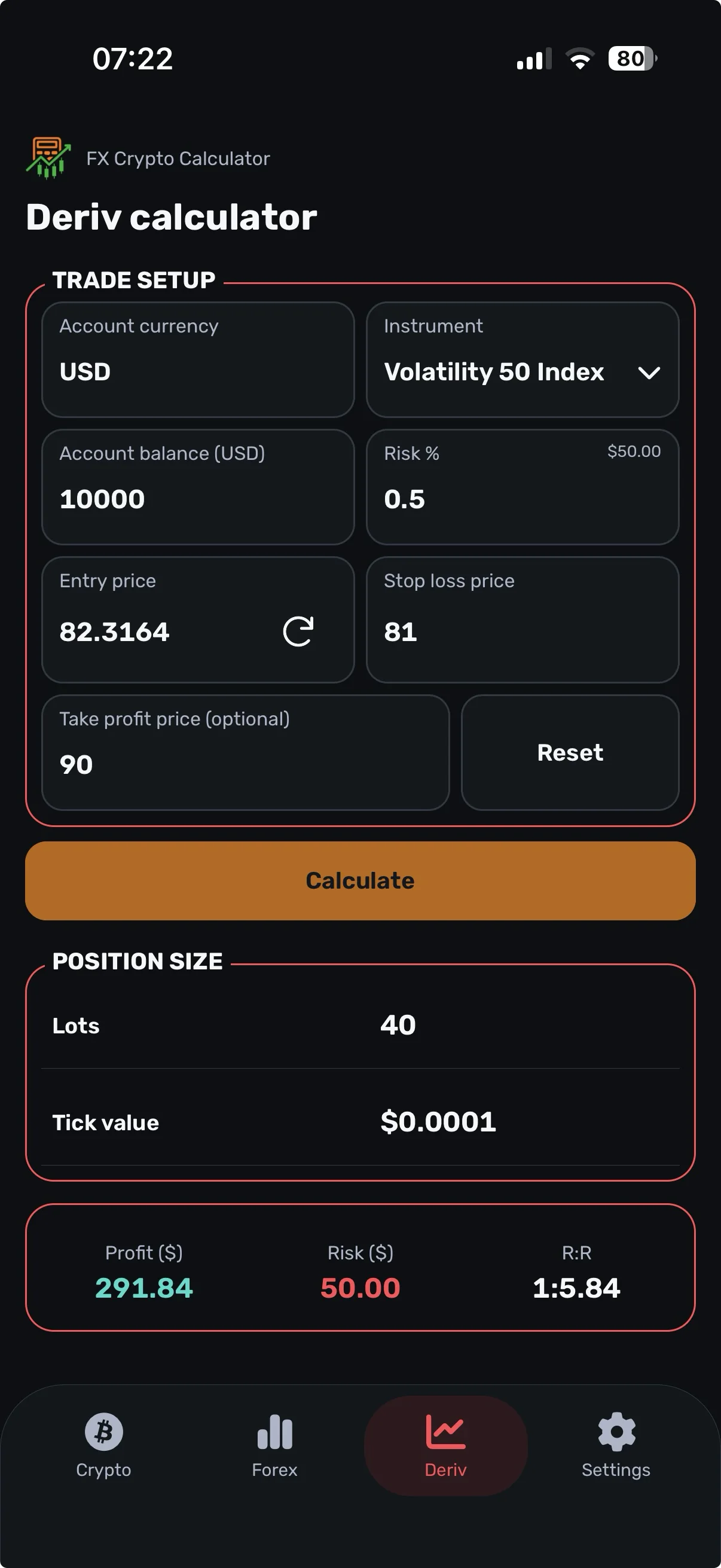
A dedicated calculator for supported indices.
Choose the supported instrument and enter your setup. Review lots and tick value before taking the entry.
Why the instrument matters
The same price distance can produce different planned losses on different instruments. Tick size, tick value, contract size, minimum lot and lot increments affect the result.
Do not reuse a Forex pip value or another synthetic index’s lot size without checking the current instrument.
From stop distance to lots
When tick value is expressed per lot in the risk currency, a simplified relationship is:
- Stop ticks = absolute entry-to-stop distance ÷ tick size.
- Planned loss per lot = stop ticks × tick value per lot.
- Lots before trading limits = planned risk ÷ planned loss per lot.
The permitted lot steps, minimums and currency treatment must also be applied. Verify which unit a displayed tick value represents before using it in an external calculation.
Using the app
- Select a supported instrument.
- Enter balance, risk, entry and stop-loss price.
- Tap Calculate and review lots and tick value.
- Check the specifications against your account before trading.
Advanced Mode adds risk-amount and stop-loss tick inputs. If the minimum lot cannot fit your selected risk, adjust the setup and review it again.
Is every Deriv product supported?
No. Use the instruments available in the app. This calculator supports selected synthetic-index position sizing; it does not cover every Deriv product or contract type.
FX Crypto Calculator is independently provided and is not an official Deriv application.